

Connect Slack
You can start the Slack connection in three places:1
During onboarding
Connect Slack while you are setting up Dex for the first time.
2
From the chat interface
Click Connect Slack from the chat screen to start the setup flow.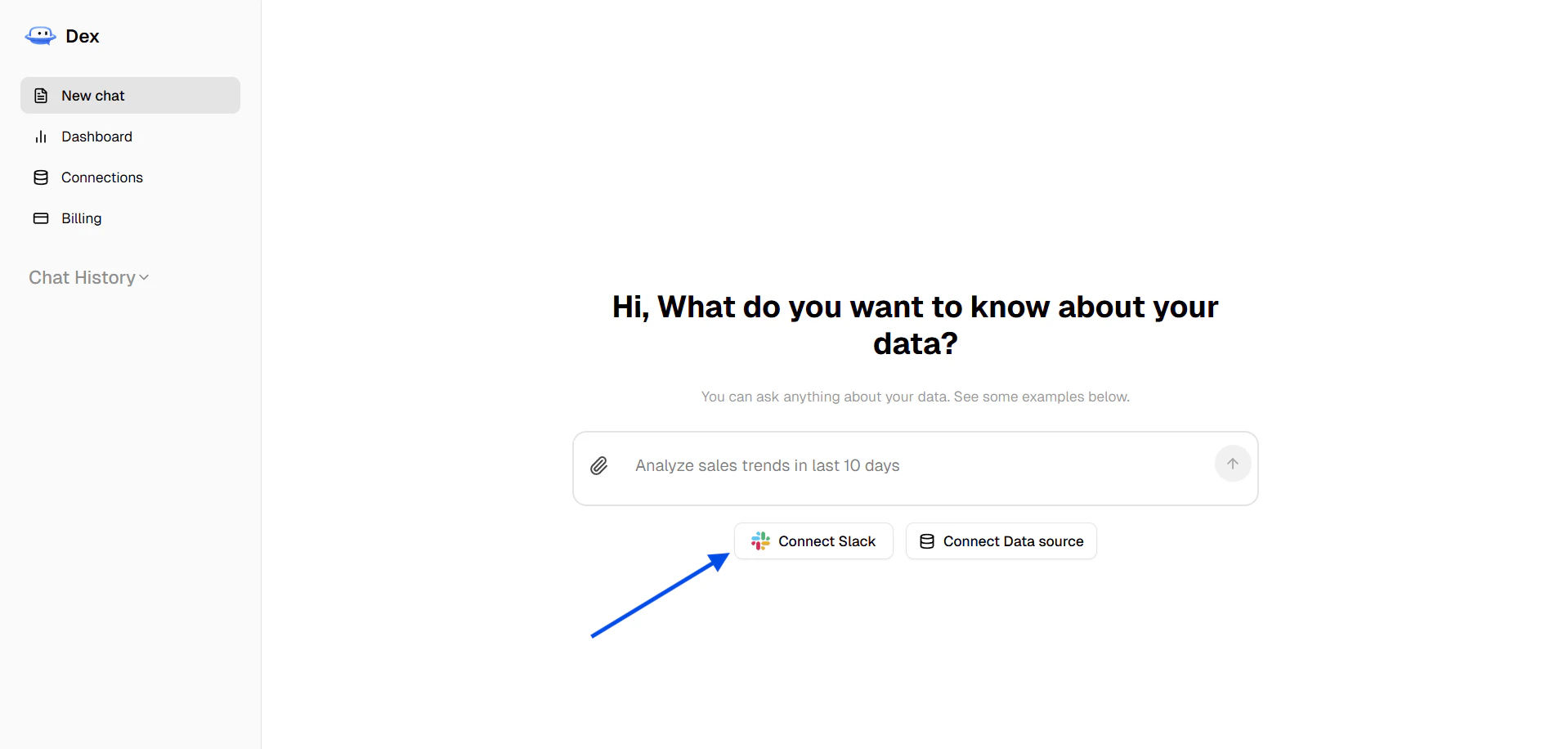
3
From the connections page
Open Connections, search for Slack, or scroll to Slack and click Connect. You can also use the Slack banner if it appears at the top of the page.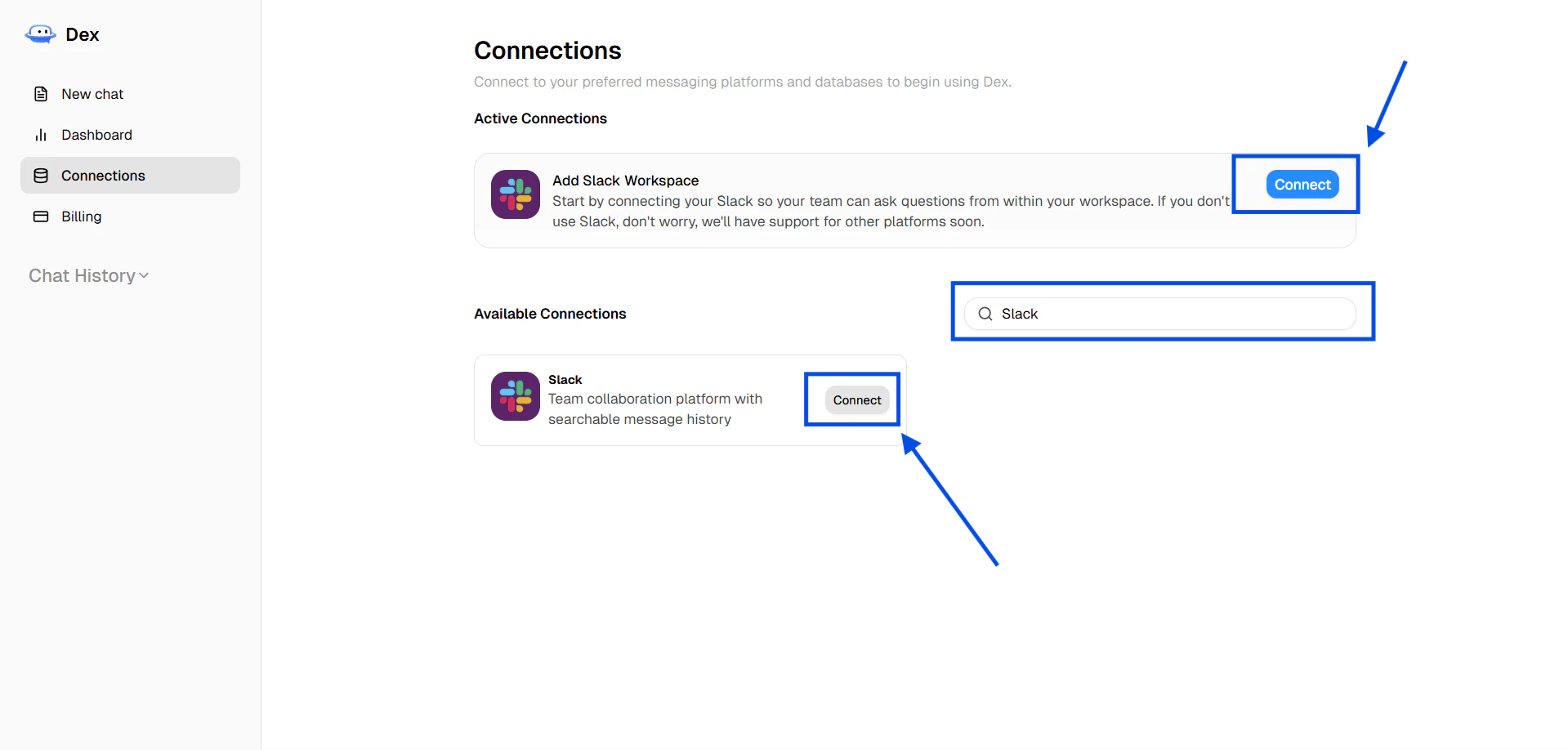
If you do not see Slack yet, ask a workspace owner to install it for you.